

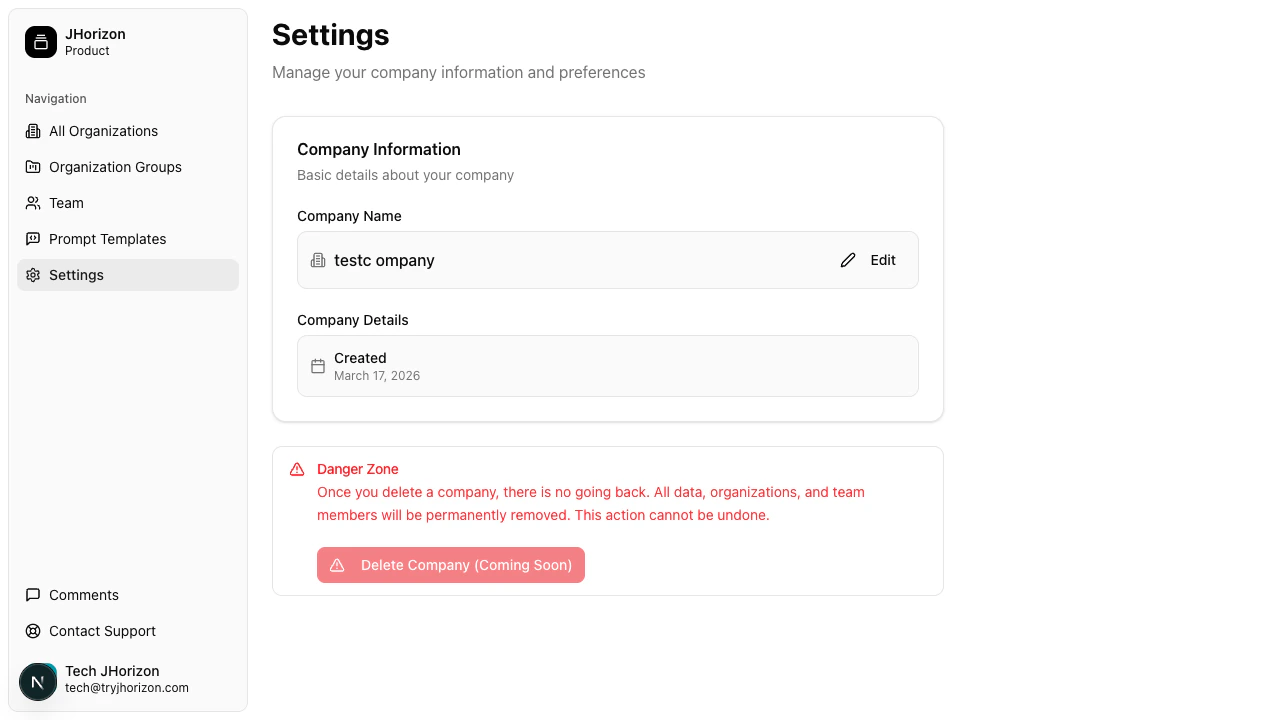
Navigate to company settings
Go to/product/settings to access your company configuration.
Edit your company name
1
Open the editor
Click Edit next to the company name field.
2
Update and save
Enter the new company name and click Save Changes.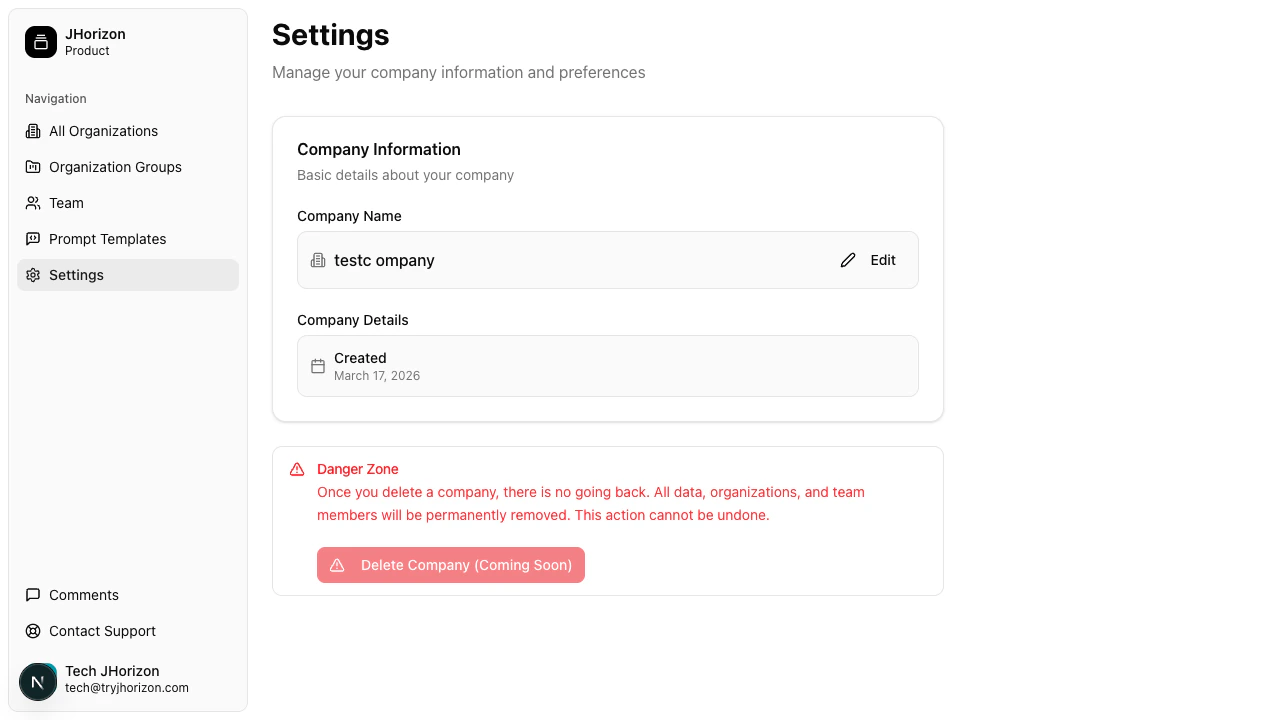
Account details
The company creation date is displayed on the settings page. This field is read-only.Danger zone
Company deletion is marked as “coming soon” and is currently disabled.Company settings apply to the entire platform. All organizations and team members belong to this company. Changes here affect everyone in your account.
Related pages
- Manage team members — invite and manage team members