

Global filters
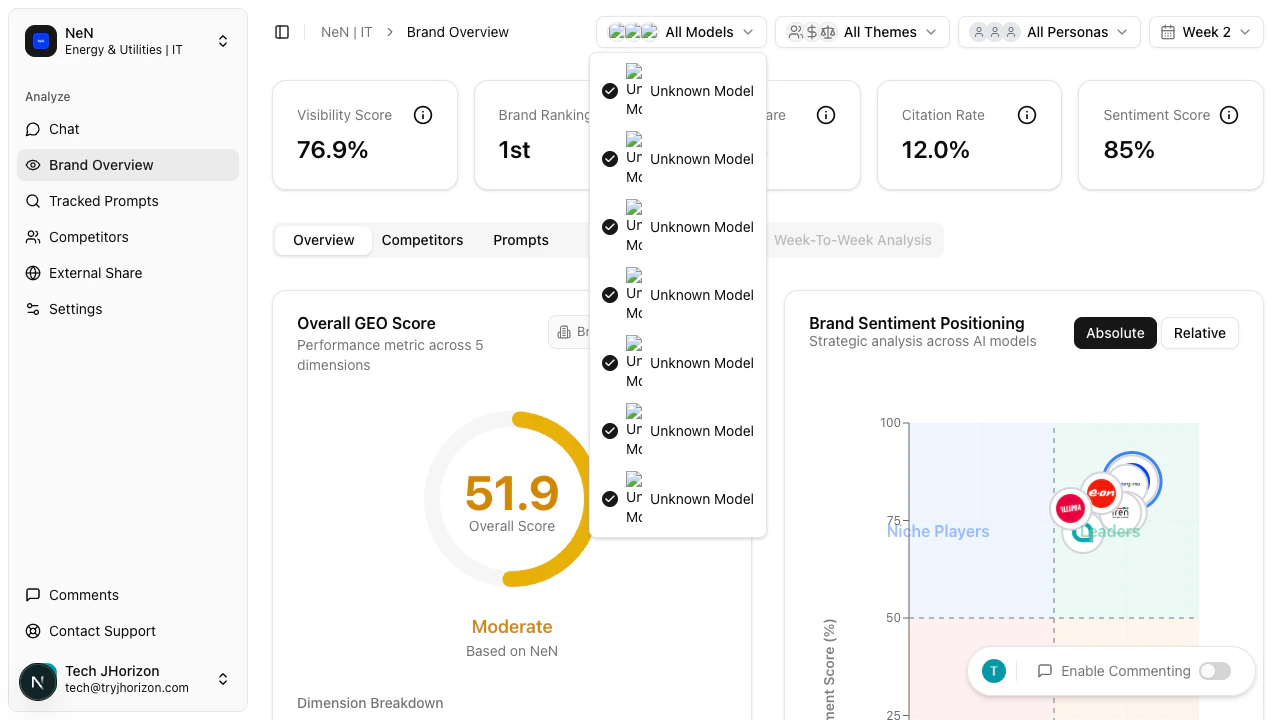
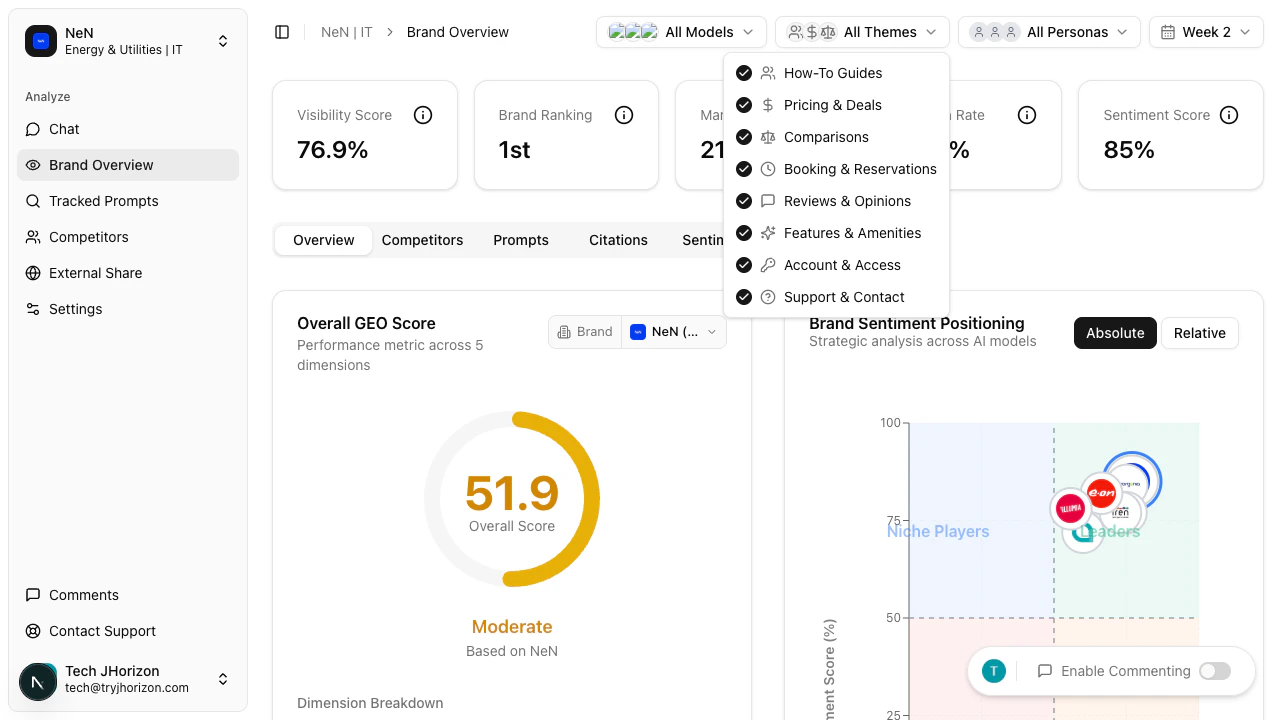
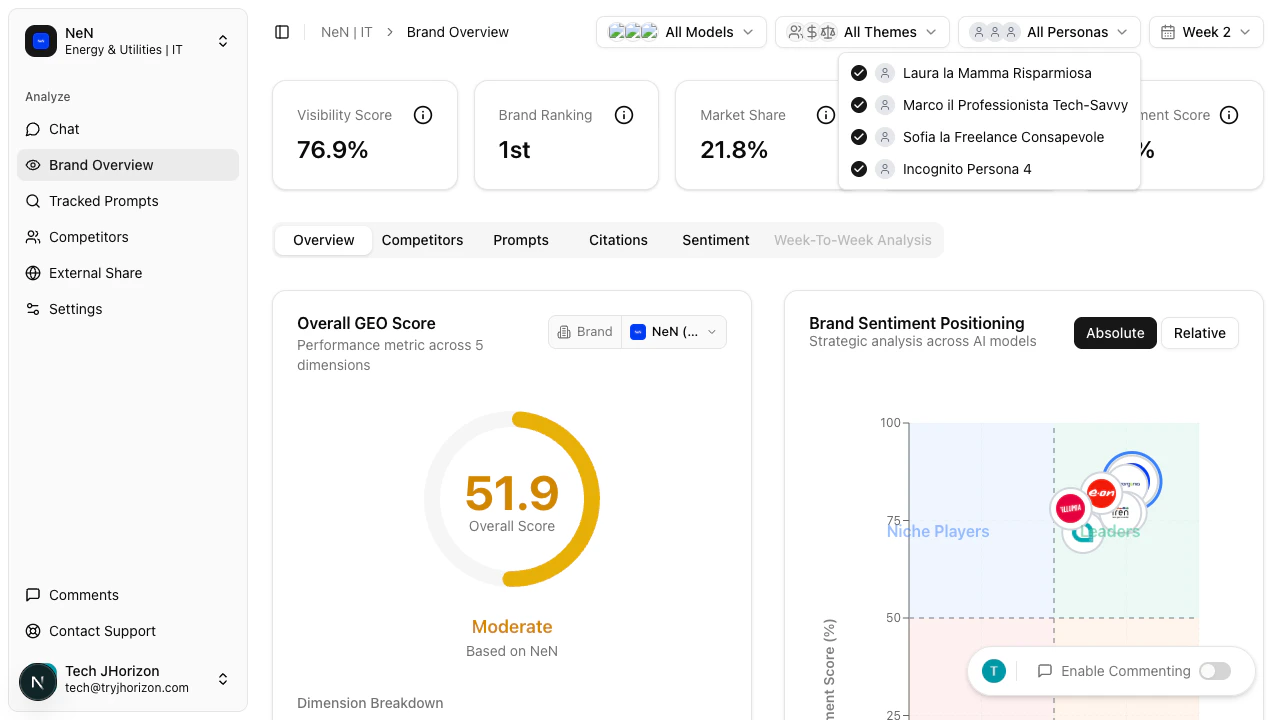
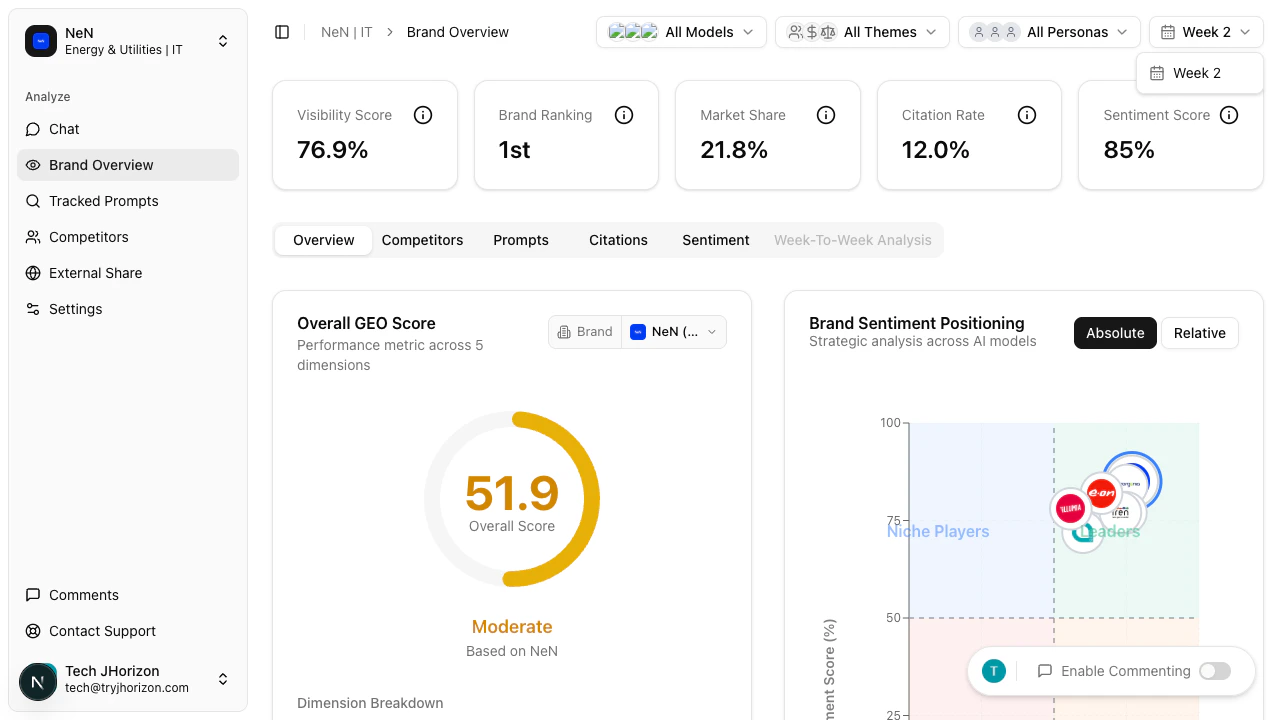
The filter bar appears at the top of the dashboard. Adjust any combination of filters to refine the data displayed across all tabs and charts.AI Models
Themes
Personas
Week
Collaborative commenting
Team members can annotate dashboard elements directly to share observations and coordinate on visibility strategy.1
Enable commenting
Click the Enable Commenting toggle in the dashboard toolbar.
2
Add annotations
When commenting is enabled, click any dashboard element to add an annotation. Type your comment and submit it.
3
View team annotations
Annotations are visible to all team members with access to the organization. Use them to flag trends, assign follow-ups, or note areas for improvement.
Export
Use the export option in the dashboard toolbar to download dashboard data for offline analysis or reporting.View full report
Click View Full Report in the dashboard toolbar to open the full external share report view. This generates a shareable version of the dashboard that can be distributed to stakeholders outside your organization.Google Analytics integration
The Connect GA4 button is visible in the dashboard toolbar but is not yet active. When available, this integration will connect your Google Analytics 4 data to correlate AI visibility metrics with website traffic. See the Changelog for updates.Related pages
- AI model selection — configure which models appear in the filter
- Customer personas — manage persona filter options
- External reports — share filtered dashboard views