

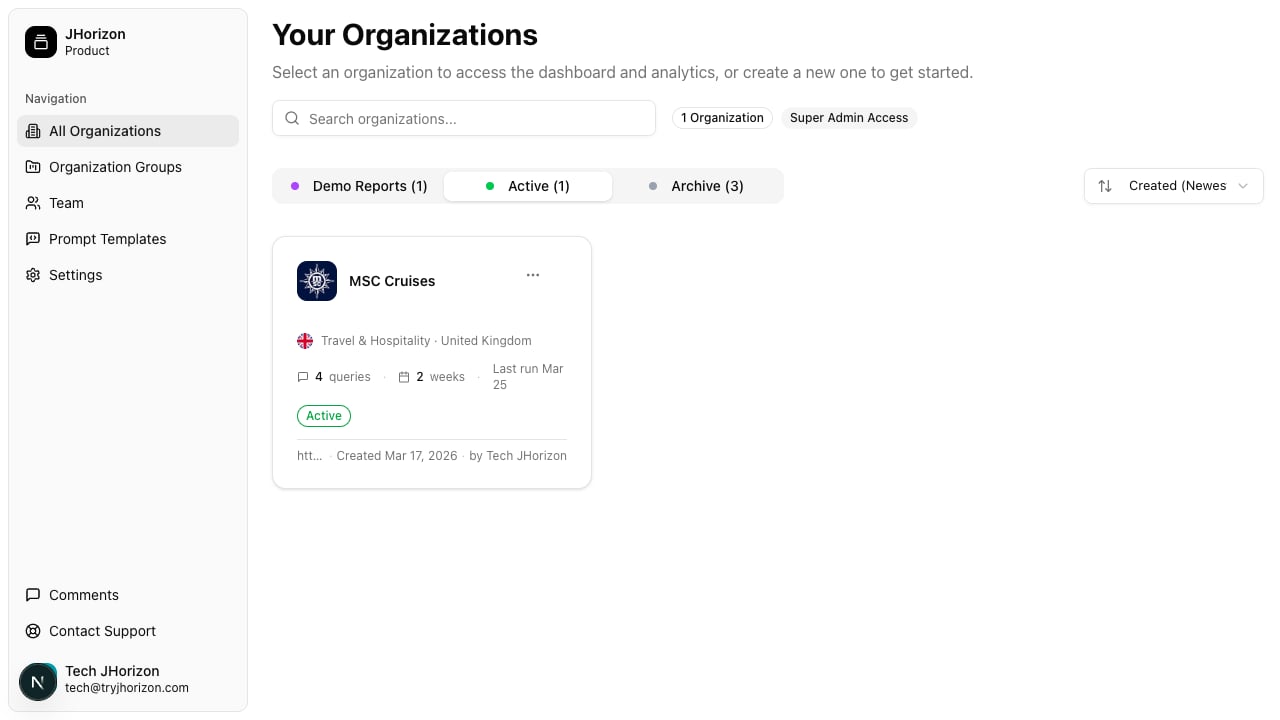
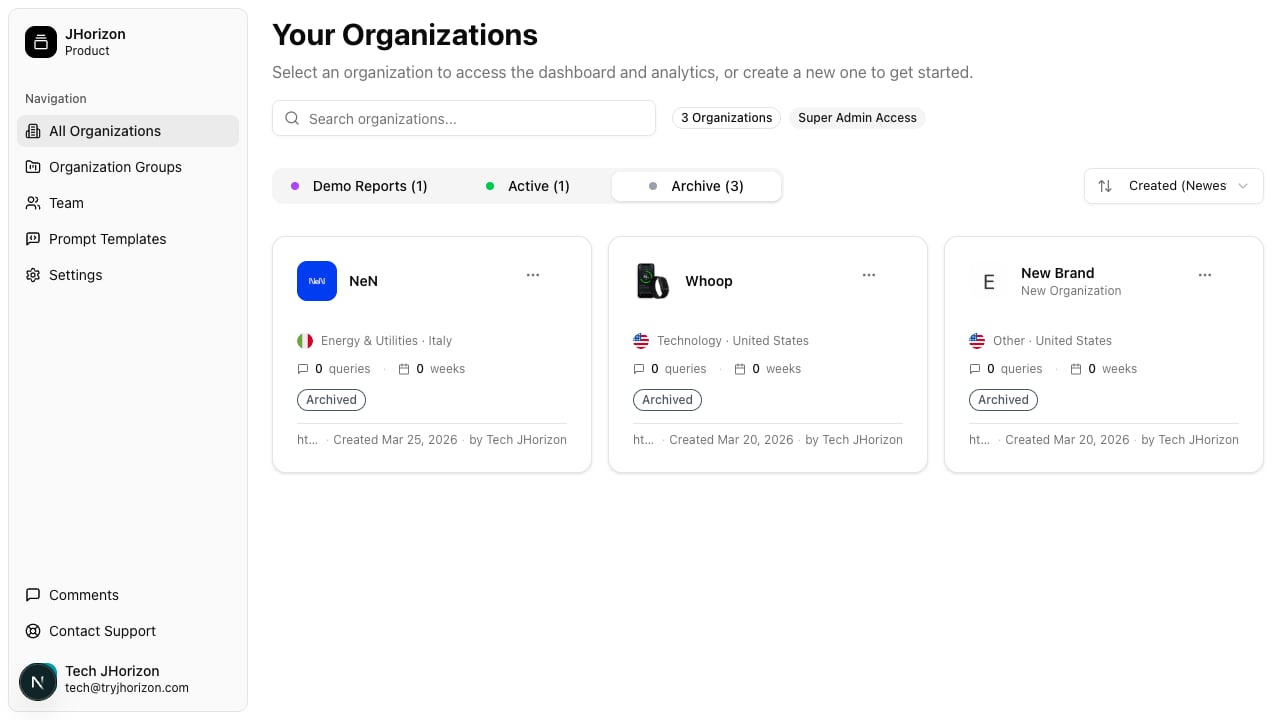
Status tabs
Three tabs at the top of the organizations page filter your list by status:- Demo Reports — Shows organizations populated with sample data. Use these to explore the dashboard and reports without running a live analysis.
- Active — Shows organizations with live monitoring enabled. These brands have scheduled analysis runs and receive updated visibility data.
- Archive — Shows organizations where monitoring is paused. Historical data is preserved, but no new analysis runs occur.
Sort options
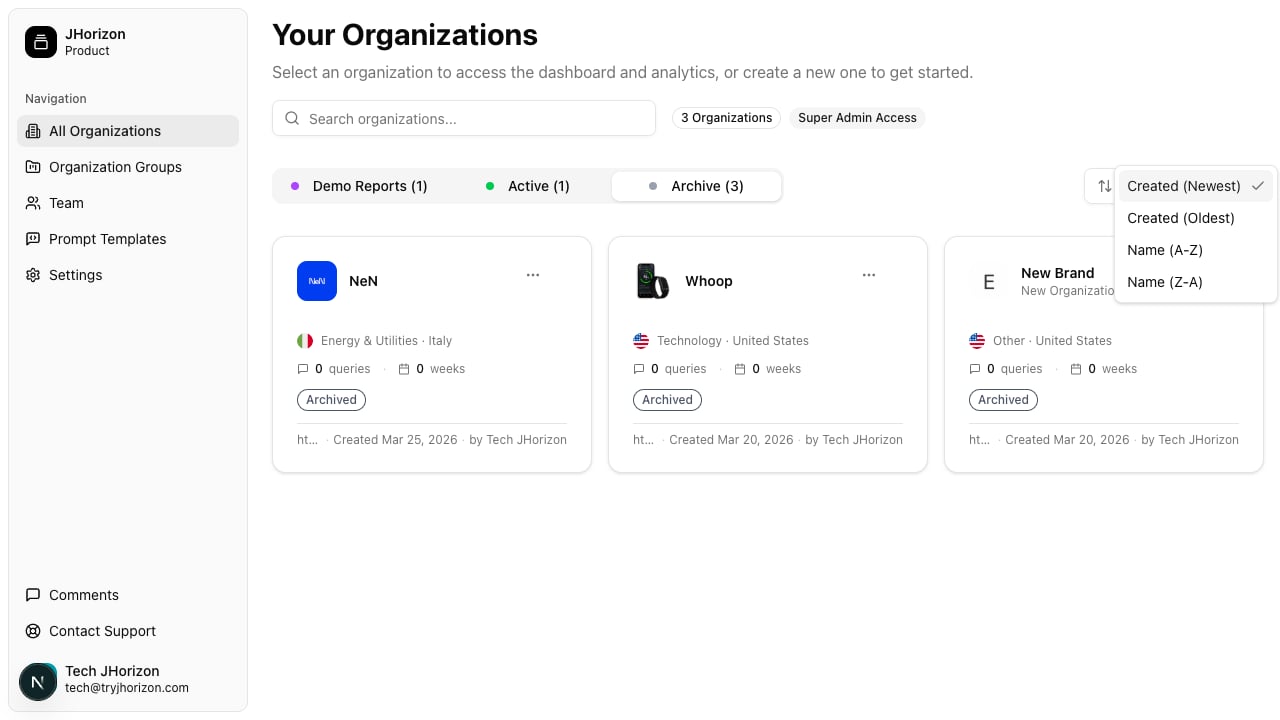
Use the sort dropdown to reorder your organizations list:- Created Newest — Most recently created organizations appear first
- Created Oldest — Oldest organizations appear first
- Name A-Z — Alphabetical order
- Name Z-A — Reverse alphabetical order
Search
Use the search bar at the top of the organizations page to filter organizations by name. Results update as you type.Organization actions
Click the three-dot menu on any organization card to access available actions. The actions differ depending on the organization’s current status: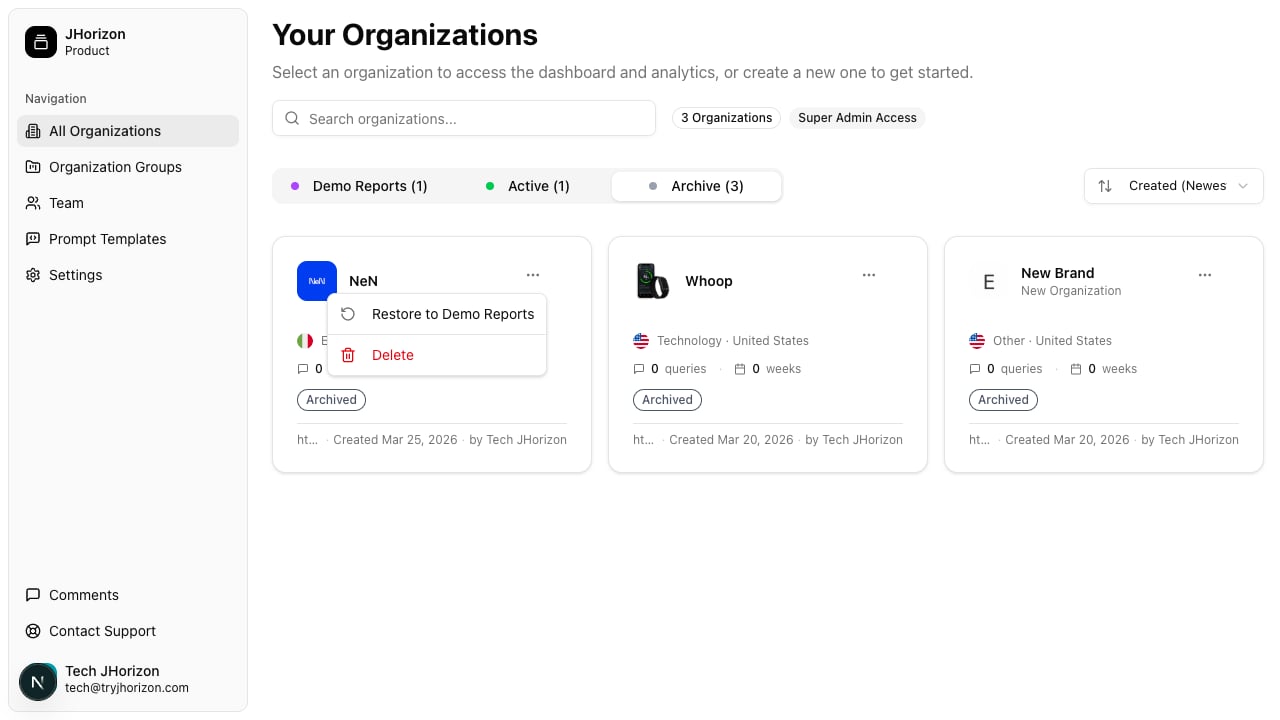
Organization groups
Groups let you organize related organizations together. Use groups to cluster brands by region, business unit, client, or any other category that fits your workflow. Groups are managed from the Groups section of the product. To create a group:1
Navigate to groups
Go to Groups in the product navigation.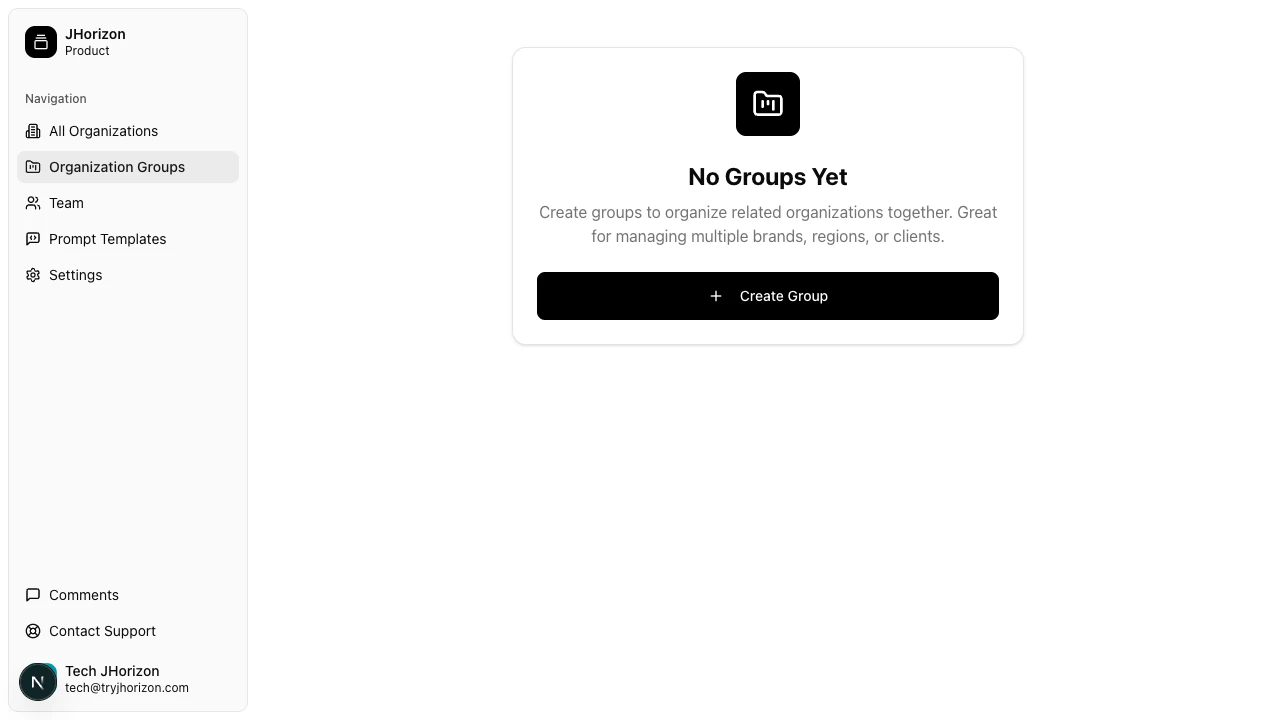
2
Create a new group
Click Create Group and enter a name for the group.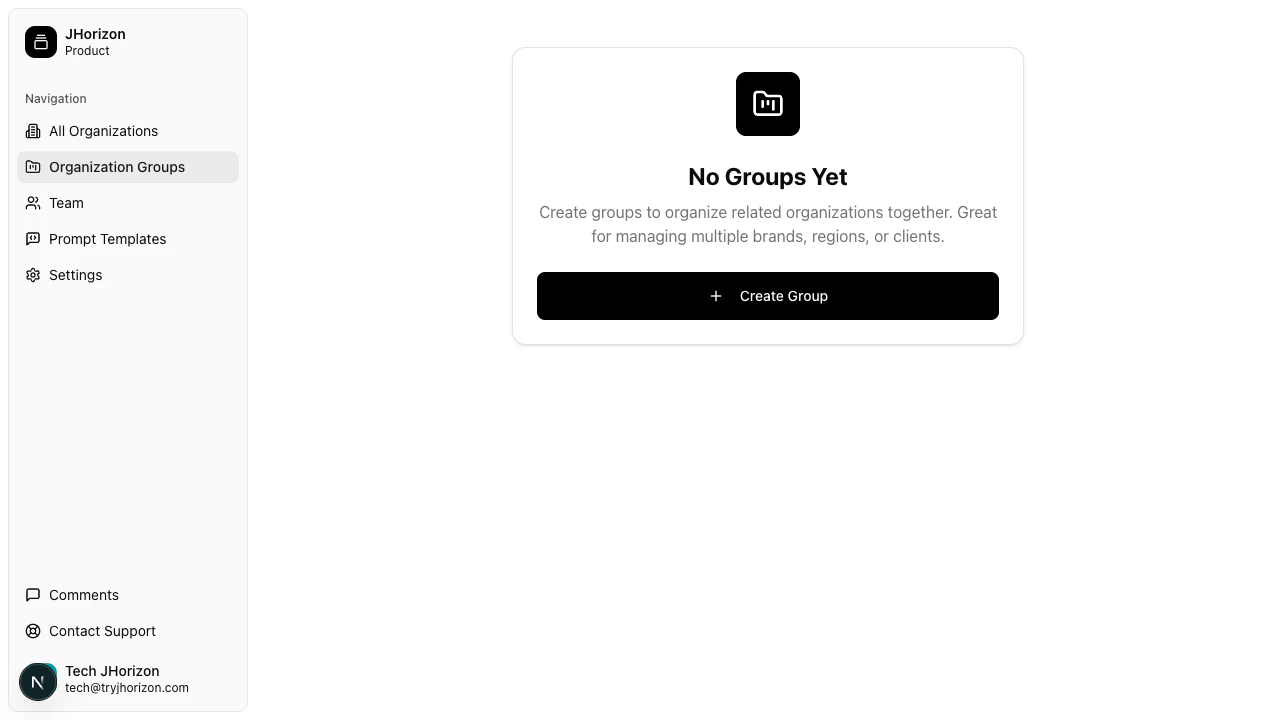
3
Add organizations
Select the organizations you want to include in the group. An organization can belong to multiple groups.
Related pages
- Create an organization — Walk through the onboarding wizard to set up a new brand
- Organizations overview — Learn about organizations in J-Horizon