

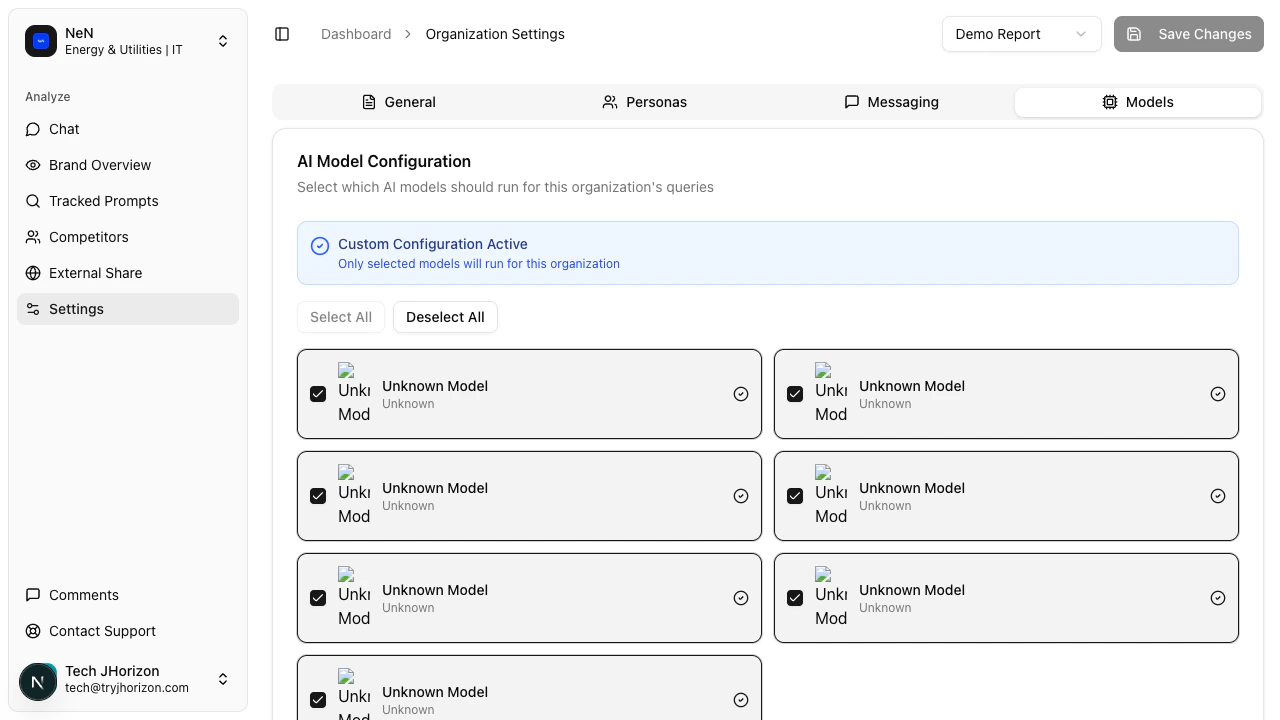
Available AI platforms
J-Horizon supports monitoring across the following AI search engines:- ChatGPT (OpenAI)
- Claude (Anthropic)
- Gemini (Google)
- Perplexity
- Additional platforms as they become available
Bulk selection
Use the Select All and Deselect All checkboxes at the top of the model list to quickly toggle all platforms on or off.Custom configuration
When you change the model selection away from the default configuration, a Custom Configuration Active banner appears at the top of the tab. This indicates that your organization uses a non-default set of AI platforms.At least one AI model must remain selected. You cannot save a configuration with all models deselected.
How changes apply
Changes to your model selection apply to future analysis runs only. Historical data from previous runs is not affected — results from previously monitored platforms remain in your dashboard even if you deselect those platforms going forward.Related pages
- Supported AI engines — Full list of AI platforms J-Horizon can monitor
- Filters and tools — Filter dashboard data by AI model