

Submit a request
1
Go to the landing page
Navigate to tryjhorizon.com. The landing page displays an overview of the platform and a call-to-action to request access.
2
Open the request form
Click Request an Invitation. This navigates you to the contact page at 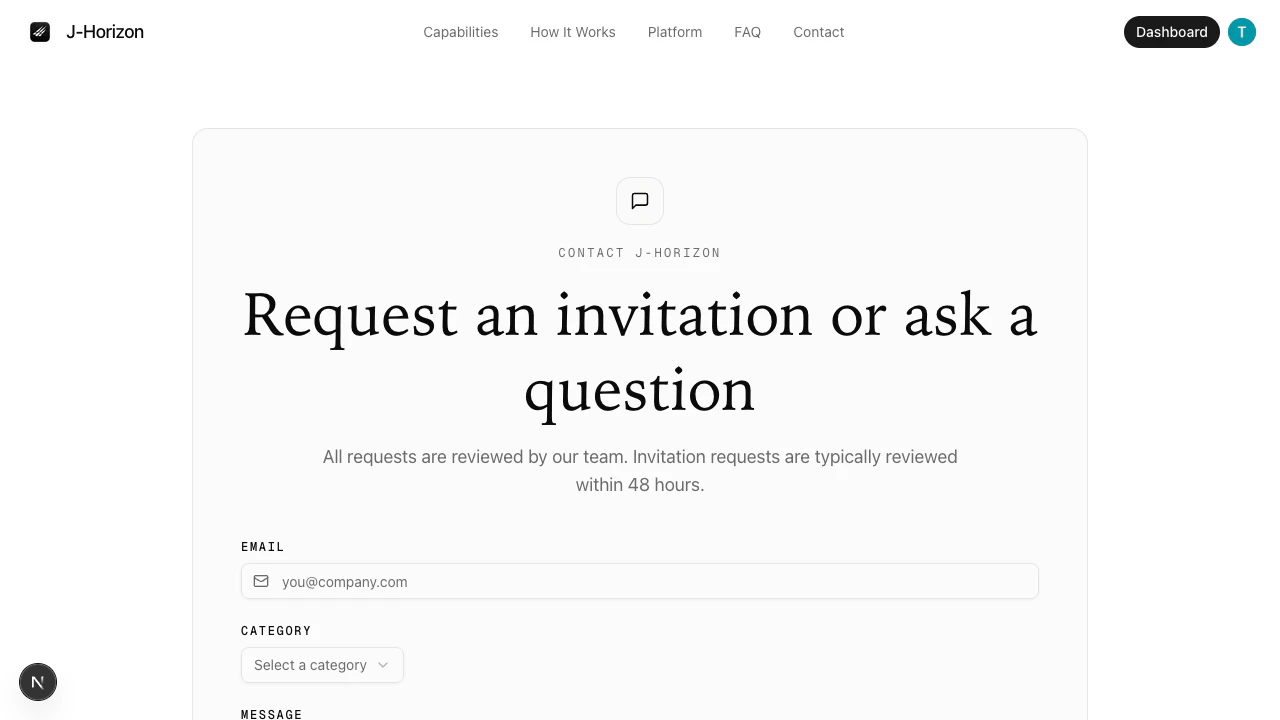
/contact, which displays the invitation request form.3
Fill in your details
Complete the form fields:
- Email — Your work email address. This field is required.
- Category — Select a category from the dropdown. Options include:
- Request Invitation — Select this to request platform access.
- Questions — Select this if you have questions before requesting access.
- Other — Select this for any other inquiry.
- Message — Describe your use case or provide additional context. This field has a 2,000-character limit.
4
Submit the form
Click Submit. A confirmation message appears after the form is submitted successfully.
What happens next
The J-Horizon team reviews all access requests within 48 hours. You receive an email at the address you provided with next steps, including your account setup instructions if approved.Troubleshooting
Next steps
Sign in
After you receive your invitation, sign in to the platform.
FAQ
Common questions about access, data, and the platform.