

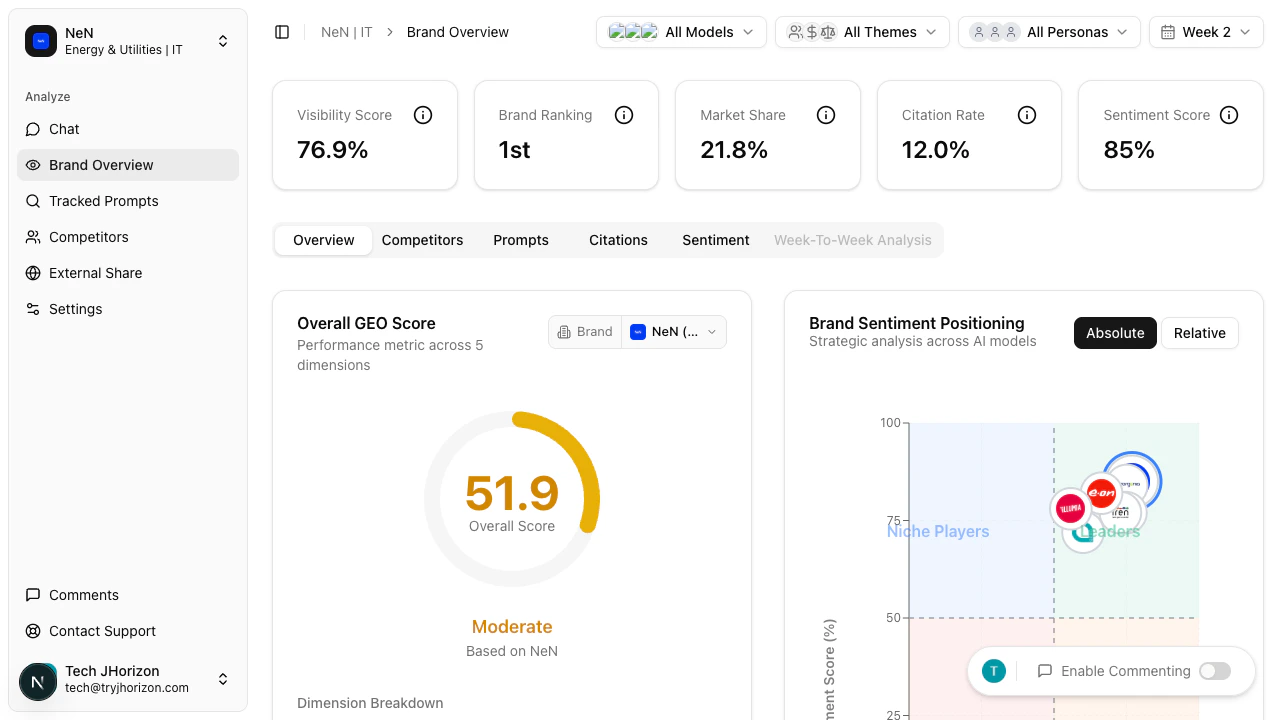
/product/{orgId}/dashboard after selecting your organization.
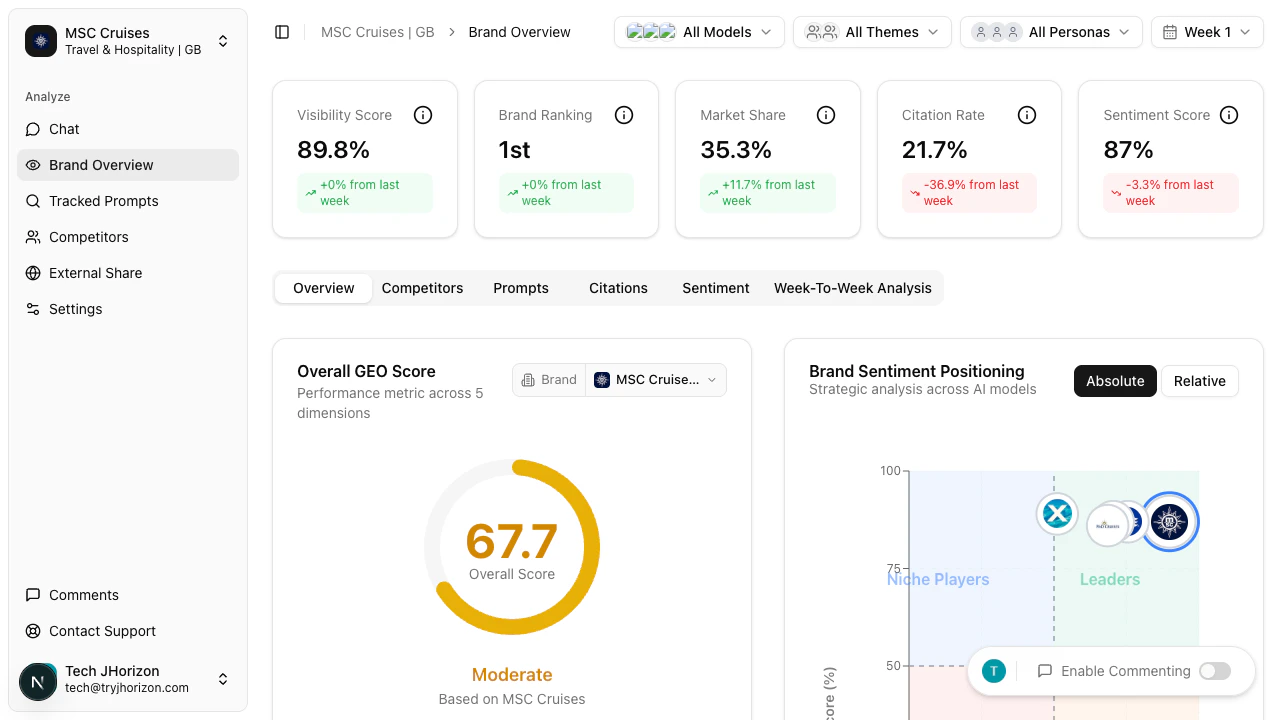
KPI cards
Five KPI cards appear at the top of the dashboard, each summarizing a core metric: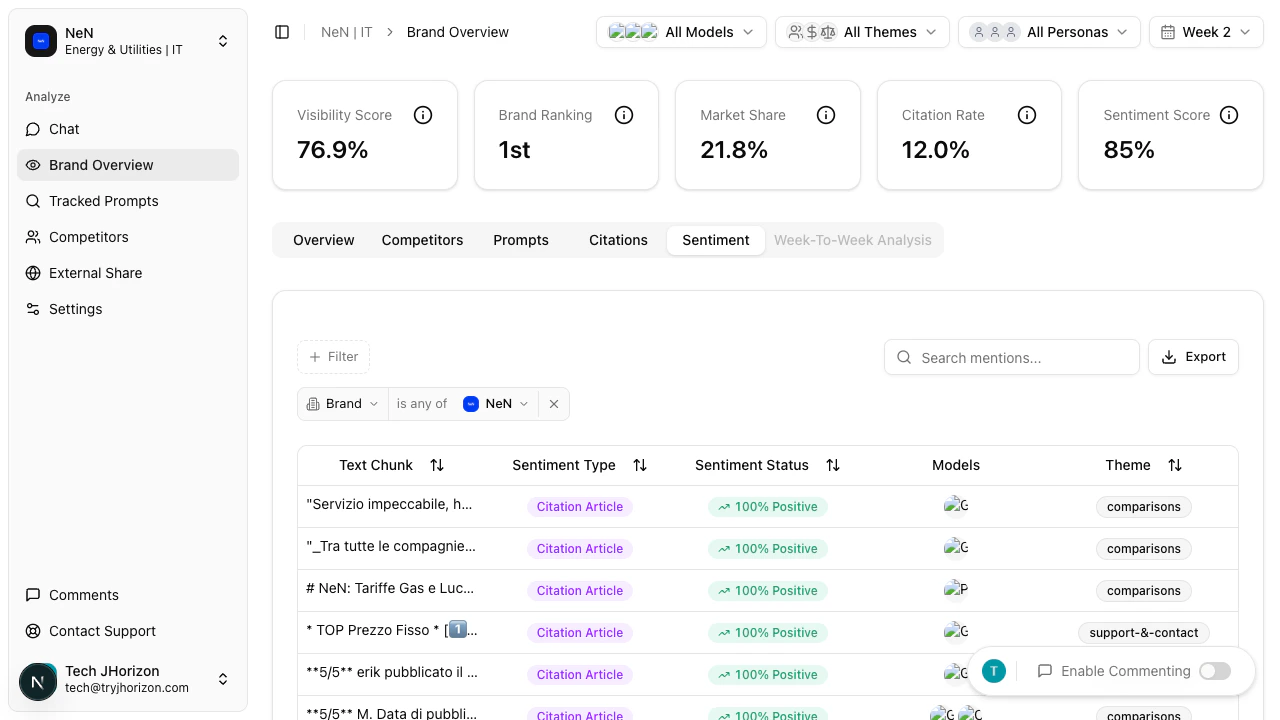
Overview tab
The Overview tab displays several charts and tables that break down your brand’s AI visibility:GEO Score
GEO Score
A donut chart where each segment represents a different geographic market. Each segment shows your brand’s visibility score in that region, and larger segments indicate a stronger AI presence. Hover over any segment to see the exact score for that market.Use the brand selector dropdown above the chart to compare GEO scores for different brands. This helps identify regions where competitors outperform you.
Brand Sentiment Positioning
Brand Sentiment Positioning
A scatter plot where each dot represents a brand — yours and your competitors. The axes plot sentiment dimensions, with higher positions indicating more positive AI perception. Brands in the upper region have more favorable AI mentions.Look for where your brand clusters relative to competitors to spot sentiment gaps you can address.
Estimated AI Traffic
Estimated AI Traffic
Estimated referral traffic volume from AI platforms to your brand, broken down by source platform. Higher values indicate more users are likely being directed to your brand through AI-generated responses.Compare platforms to prioritize where to focus your content strategy for maximum referral impact.
Matrix Explorer
Matrix Explorer
A heatmap with configurable dimensions — the most flexible visualization on the dashboard. Color intensity indicates performance; darker cells represent higher values. Hover over any cell to see the exact metric value.Use the Rows selector to switch between “Models” and “Brands” views. Use the Metric selector to choose which metrics are displayed as columns. This lets you compare any combination of brands or AI models against any set of metrics.
Brand Rankings
Brand Rankings
A sortable table with columns for Brand, Visibility Score, Market Share, Citation Rate, GEO Score, Brand Rank, and Sentiment. Click any column header to sort ascending; click again for descending. Your brand is highlighted in the table for easy reference.
Closest Competitor
Closest Competitor
A side-by-side metric comparison between your brand and the competitor with the most similar overall profile. Each metric is displayed with both values and the difference between them. Green values indicate where you lead.Use the competitor selector to compare against a different brand instead of the auto-selected closest match.
Brand Presence Rate
Brand Presence Rate
A bar chart with one bar per AI platform (ChatGPT, Claude, Gemini, Perplexity, etc.). Bar height represents how frequently your brand appears in that platform’s responses. Platforms with low presence rates represent opportunities for improvement.
Top Prompts
Top Prompts
The tracked prompts with the greatest influence on your visibility score, ranked by impact. If high-impact prompts show low brand mention rates, focus on improving your brand’s representation for those queries.Use the brand filter dropdown to see which prompts drive visibility for a specific competitor.
Top Citations
Top Citations
Source domains most frequently cited by AI search engines when discussing your brand, ranked by citation frequency. These domains have the most influence on how AI represents your brand to users. Strengthen relationships with positively-citing sources and address negatively-citing ones.
Dashboard tabs
The dashboard has six tabs. The Overview tab is described above. The remaining tabs provide focused views:The Week-to-Week Analysis tab is currently in development. It will display trend comparisons across analysis weeks when available.
Next steps
Compare competitors
See how your brand stacks up against the competition.
Filters and tools
Refine dashboard data with global filters.
Collaborative commenting
Annotate dashboard charts with your team.
External reports
Share dashboard data with external stakeholders.