

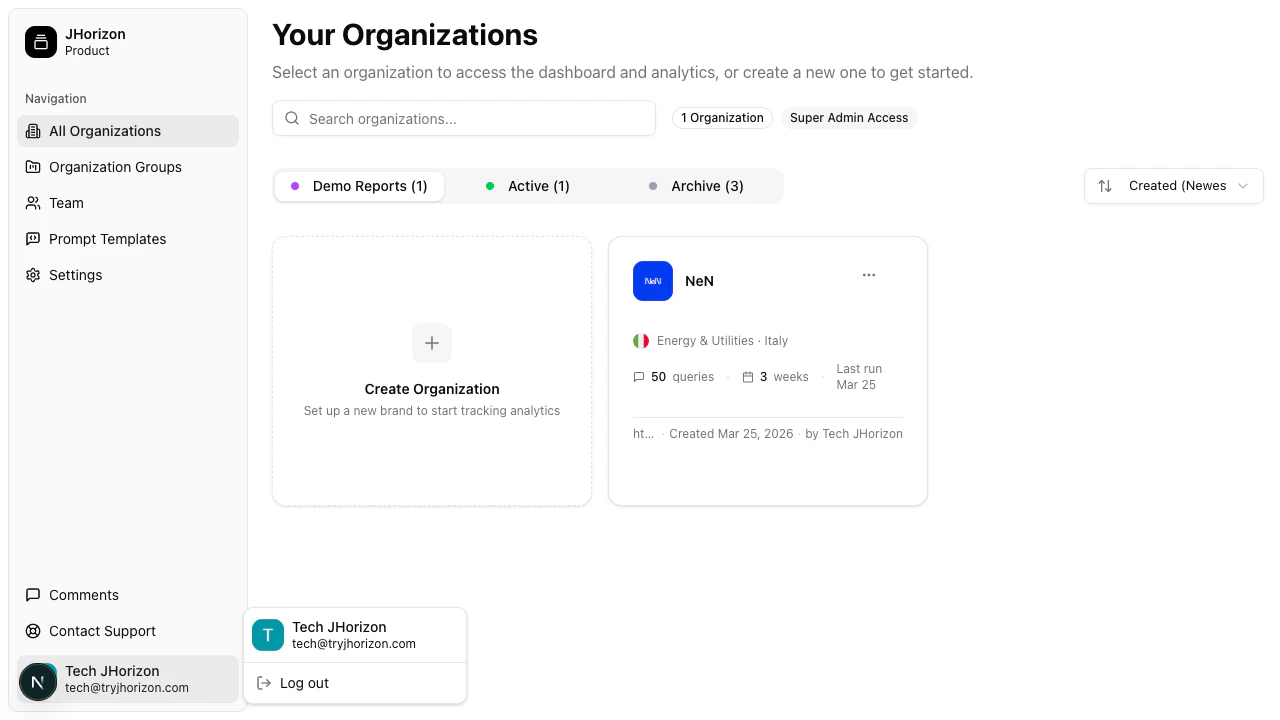
Profile menu options
The profile dropdown provides access to:Manage your account
J-Horizon uses Clerk for authentication. When you click Manage account, the Clerk account management interface opens. From there you can:- Update your email address
- Change your password
- Manage linked Google accounts
- View your active sessions
Account management is handled by Clerk, not directly by J-Horizon. Changes to your email or password take effect immediately across all sessions.
Sign out
Click Sign out from the profile dropdown to end your session. You are redirected to the J-Horizon landing page. To sign back in, click Login in the top navigation.Get support
If you need help with the platform, you can reach the J-Horizon team through:- Email — Contact support directly via the support link in the navigation bar.
- Contact form — Submit a request at tryjhorizon.com/contact with your question or issue.
Related pages
Sign in
Authentication methods and troubleshooting.
Manage team members
Invite members and manage roles.