> ## Documentation Index
> Fetch the complete documentation index at: https://knowledge.tryjhorizon.com/llms.txt
> Use this file to discover all available pages before exploring further.
# Company settings
> Manage your company name and account details.
Company settings let you manage your account identity and view account information that applies across all organizations and team members.
 ## Navigate to company settings
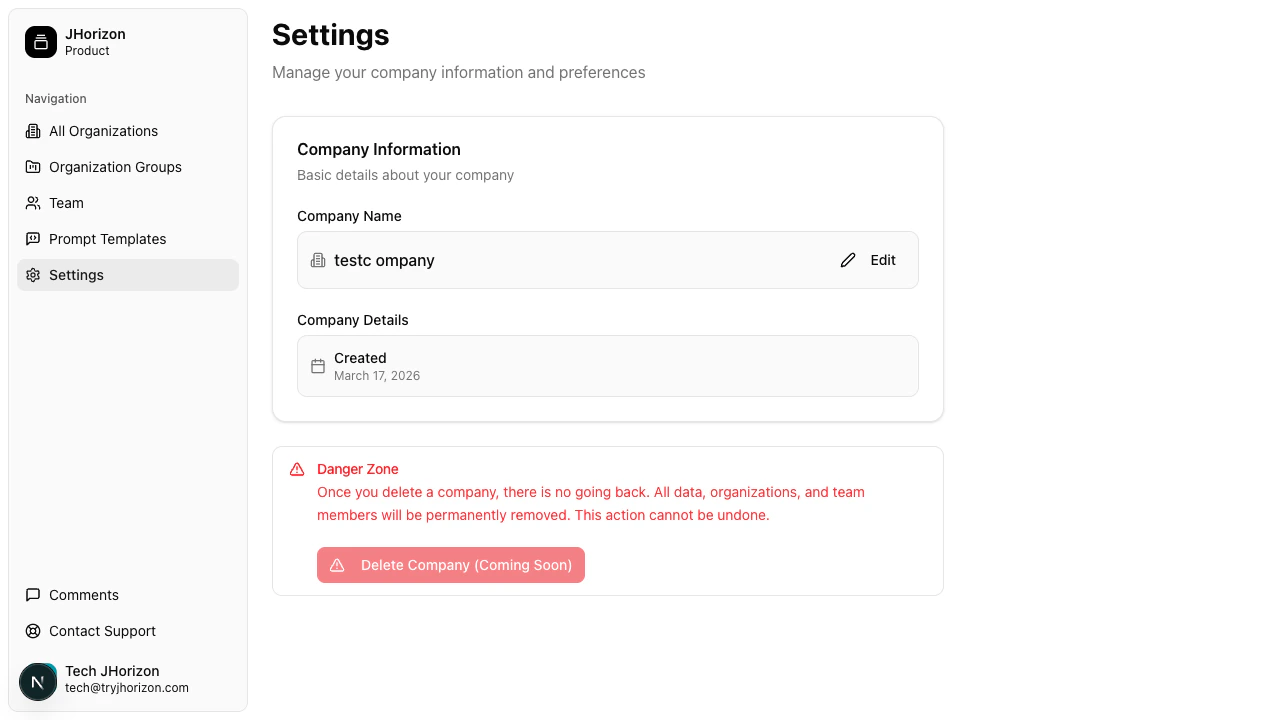
Go to `/product/settings` to access your company configuration.
## Edit your company name
Click **Edit** next to the company name field.
Enter the new company name and click **Save Changes**.
## Navigate to company settings
Go to `/product/settings` to access your company configuration.
## Edit your company name
Click **Edit** next to the company name field.
Enter the new company name and click **Save Changes**.
 ## Account details
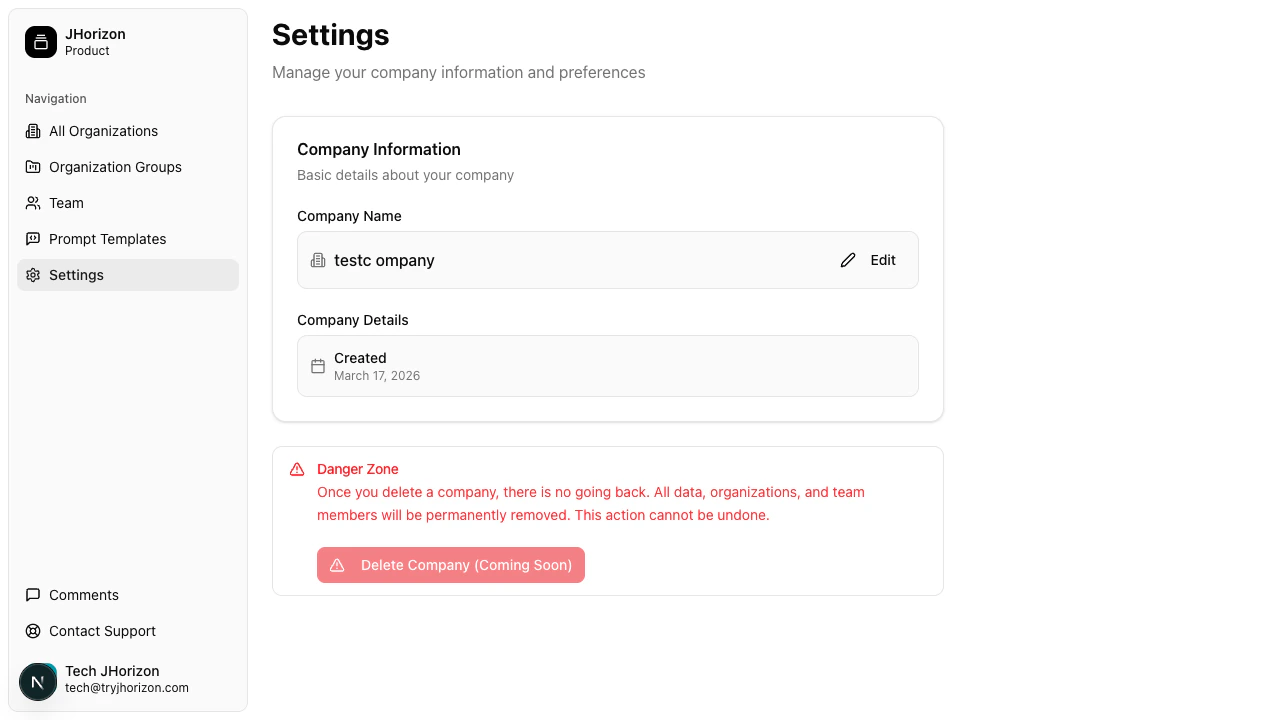
The company creation date is displayed on the settings page. This field is read-only.
## Danger zone
Company deletion is marked as "coming soon" and is currently disabled.
Company settings apply to the entire platform. All organizations and team members belong to this company. Changes here affect everyone in your account.
## Related pages
* [Manage team members](/team/manage-members) — invite and manage team members
## Account details
The company creation date is displayed on the settings page. This field is read-only.
## Danger zone
Company deletion is marked as "coming soon" and is currently disabled.
Company settings apply to the entire platform. All organizations and team members belong to this company. Changes here affect everyone in your account.
## Related pages
* [Manage team members](/team/manage-members) — invite and manage team members