> ## Documentation Index
> Fetch the complete documentation index at: https://knowledge.tryjhorizon.com/llms.txt
> Use this file to discover all available pages before exploring further.
# Filters and tools
> Use global filters to refine dashboard data and enable collaboration tools.
Global filters and collaboration tools are available across all dashboard tabs, letting you narrow data to specific AI models, themes, personas, and time periods.
## Global filters
The filter bar appears at the top of the dashboard. Adjust any combination of filters to refine the data displayed across all tabs and charts.
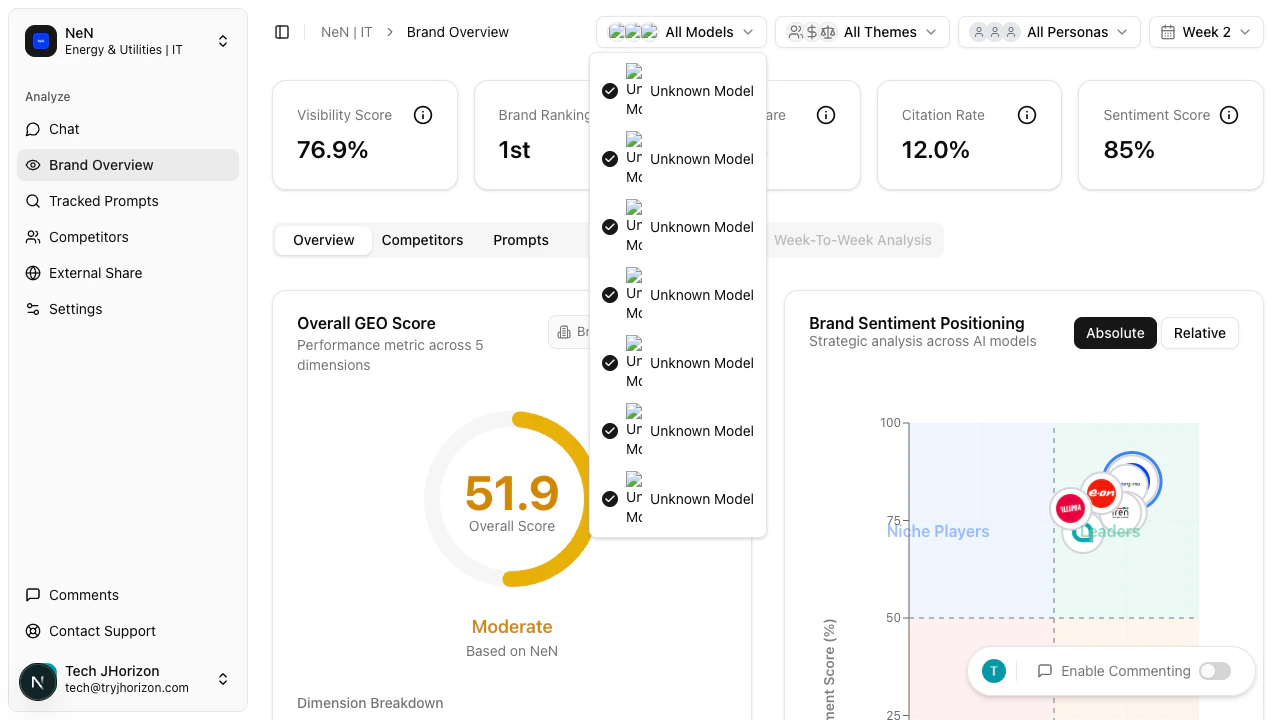 Filter by specific AI platforms (ChatGPT, Claude, Gemini, Perplexity, etc.). All models are selected by default.
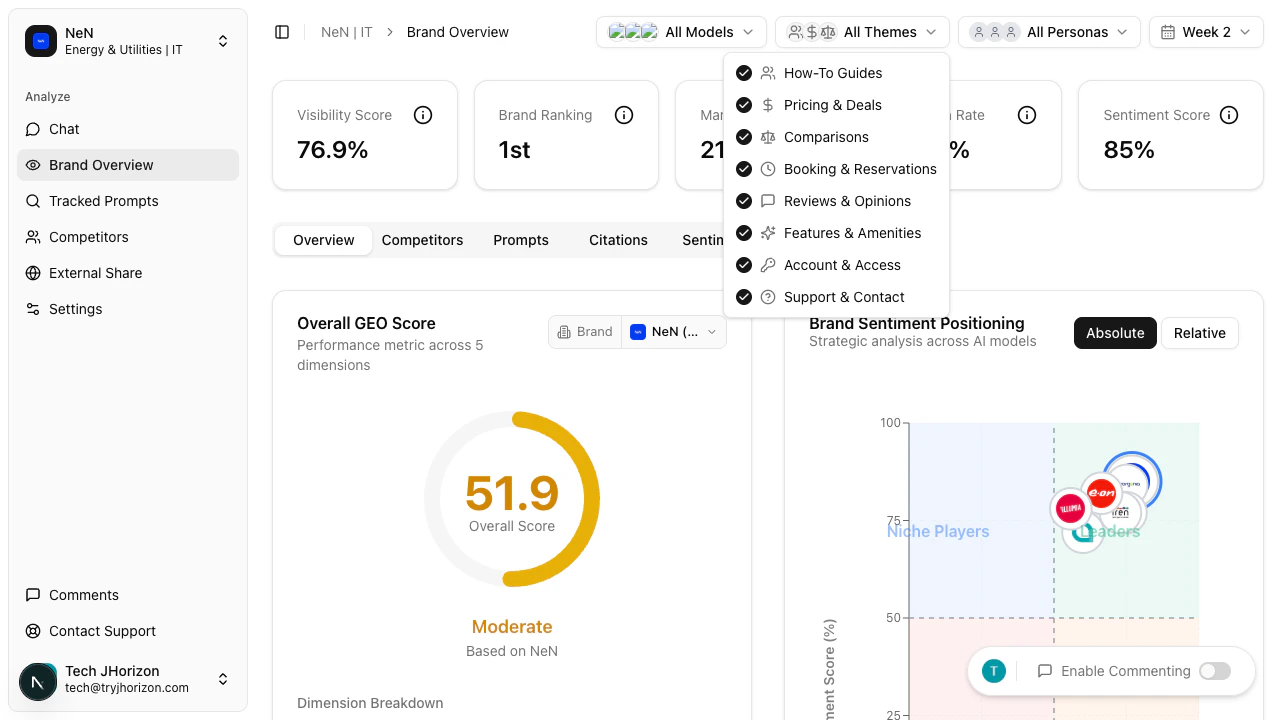 Filter by content theme: How-To Guides, Pricing & Deals, Comparisons, Booking & Reservations, Reviews & Opinions, Features & Amenities, Account & Access, or Support & Contact.
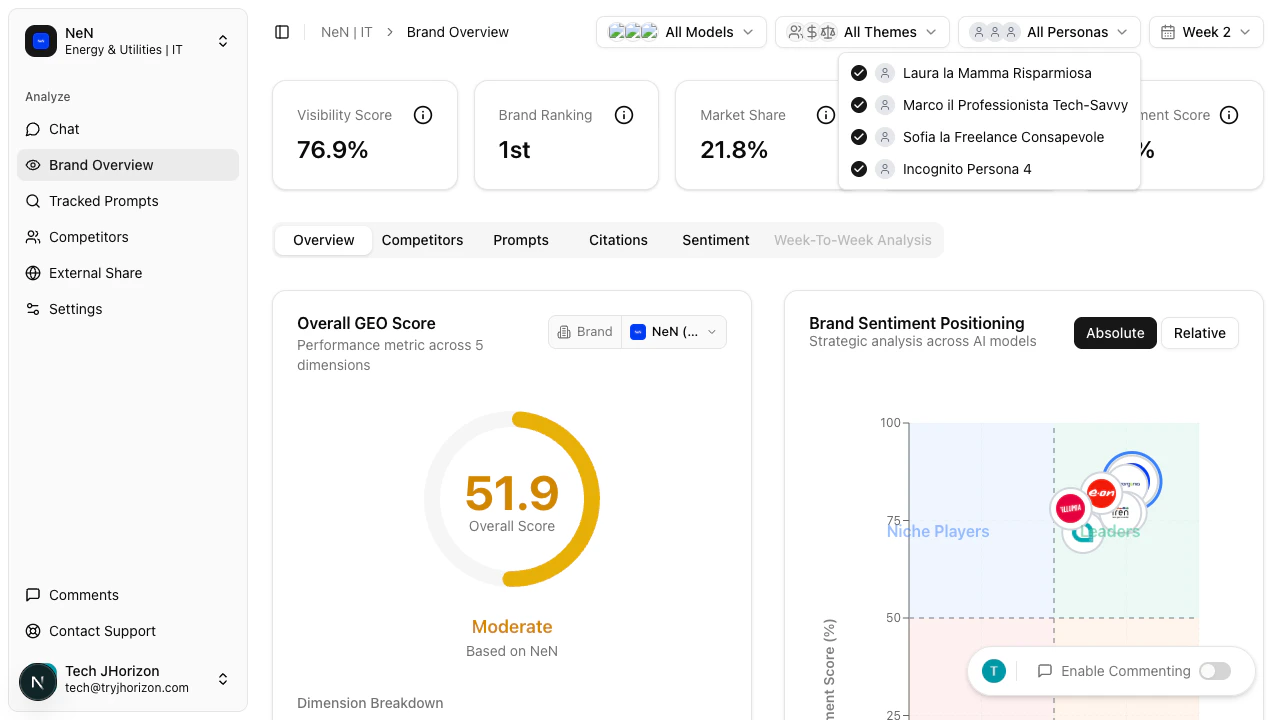 Filter by customer persona configured in your organization settings.
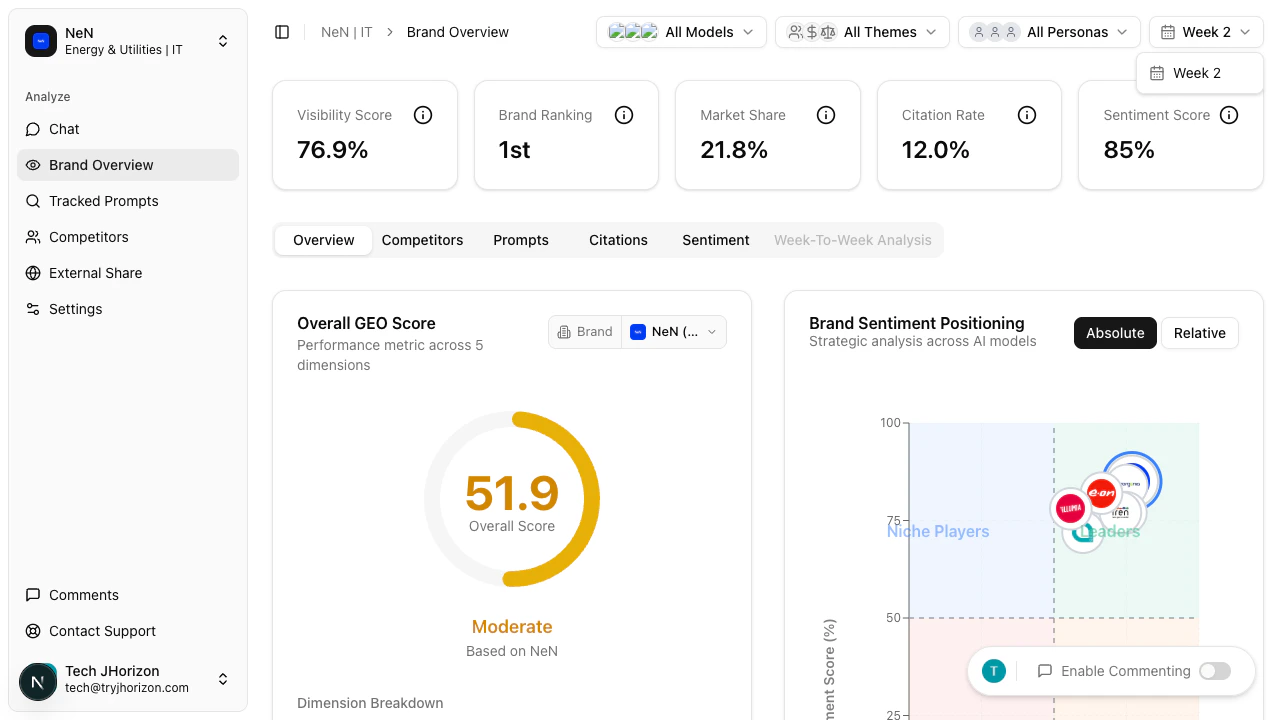 Select the analysis week to view. Data is organized by weekly analysis runs.
## Collaborative commenting
Team members can annotate dashboard elements directly to share observations and coordinate on visibility strategy.
Click the **Enable Commenting** toggle in the dashboard toolbar.
When commenting is enabled, click any dashboard element to add an annotation. Type your comment and submit it.
Annotations are visible to all team members with access to the organization. Use them to flag trends, assign follow-ups, or note areas for improvement.
## Export
Use the export option in the dashboard toolbar to download dashboard data for offline analysis or reporting.
## View full report
Click **View Full Report** in the dashboard toolbar to open the full external share report view. This generates a shareable version of the dashboard that can be distributed to stakeholders outside your organization.
## Google Analytics integration
The **Connect GA4** button is visible in the dashboard toolbar but is not yet active. When available, this integration will connect your Google Analytics 4 data to correlate AI visibility metrics with website traffic. See the [Changelog](/reference/changelog) for updates.
Combine multiple filters to isolate specific segments. For example, filter by a single AI model and a specific theme to see how your brand performs for comparison prompts on ChatGPT alone. Start your weekly review by comparing the current week against the previous one using the Week filter — a drop in visibility score on a specific platform often indicates a shift in how that AI engine represents your brand.
## Related pages
* [AI model selection](/organizations/ai-models) — configure which models appear in the filter
* [Customer personas](/organizations/personas) — manage persona filter options
* [External reports](/sharing/external-reports) — share filtered dashboard views
Select the analysis week to view. Data is organized by weekly analysis runs.
## Collaborative commenting
Team members can annotate dashboard elements directly to share observations and coordinate on visibility strategy.
Click the **Enable Commenting** toggle in the dashboard toolbar.
When commenting is enabled, click any dashboard element to add an annotation. Type your comment and submit it.
Annotations are visible to all team members with access to the organization. Use them to flag trends, assign follow-ups, or note areas for improvement.
## Export
Use the export option in the dashboard toolbar to download dashboard data for offline analysis or reporting.
## View full report
Click **View Full Report** in the dashboard toolbar to open the full external share report view. This generates a shareable version of the dashboard that can be distributed to stakeholders outside your organization.
## Google Analytics integration
The **Connect GA4** button is visible in the dashboard toolbar but is not yet active. When available, this integration will connect your Google Analytics 4 data to correlate AI visibility metrics with website traffic. See the [Changelog](/reference/changelog) for updates.
Combine multiple filters to isolate specific segments. For example, filter by a single AI model and a specific theme to see how your brand performs for comparison prompts on ChatGPT alone. Start your weekly review by comparing the current week against the previous one using the Week filter — a drop in visibility score on a specific platform often indicates a shift in how that AI engine represents your brand.
## Related pages
* [AI model selection](/organizations/ai-models) — configure which models appear in the filter
* [Customer personas](/organizations/personas) — manage persona filter options
* [External reports](/sharing/external-reports) — share filtered dashboard views