> ## Documentation Index
> Fetch the complete documentation index at: https://knowledge.tryjhorizon.com/llms.txt
> Use this file to discover all available pages before exploring further.
# AI chat
> Ask natural language questions about your brand's AI visibility and get responses based on your organization's analysis data.
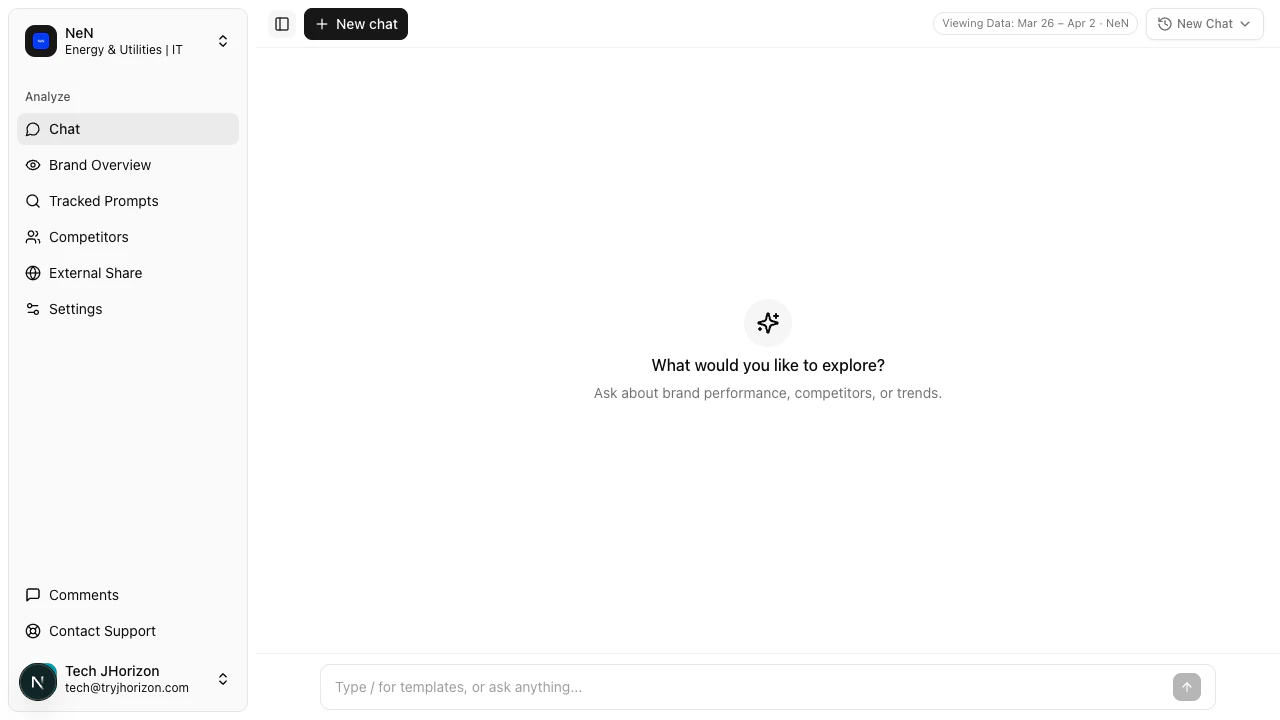 The AI chat interface lets you query your brand intelligence data using natural language. Navigate to `/product/{orgId}/chat` to start a conversation.
## Ask questions about your brand
Type a question in the input field to get responses based on your organization's analysis data. You can ask about visibility scores, citations, sentiment, competitor comparisons, and more.
The AI chat interface lets you query your brand intelligence data using natural language. Navigate to `/product/{orgId}/chat` to start a conversation.
## Ask questions about your brand
Type a question in the input field to get responses based on your organization's analysis data. You can ask about visibility scores, citations, sentiment, competitor comparisons, and more.
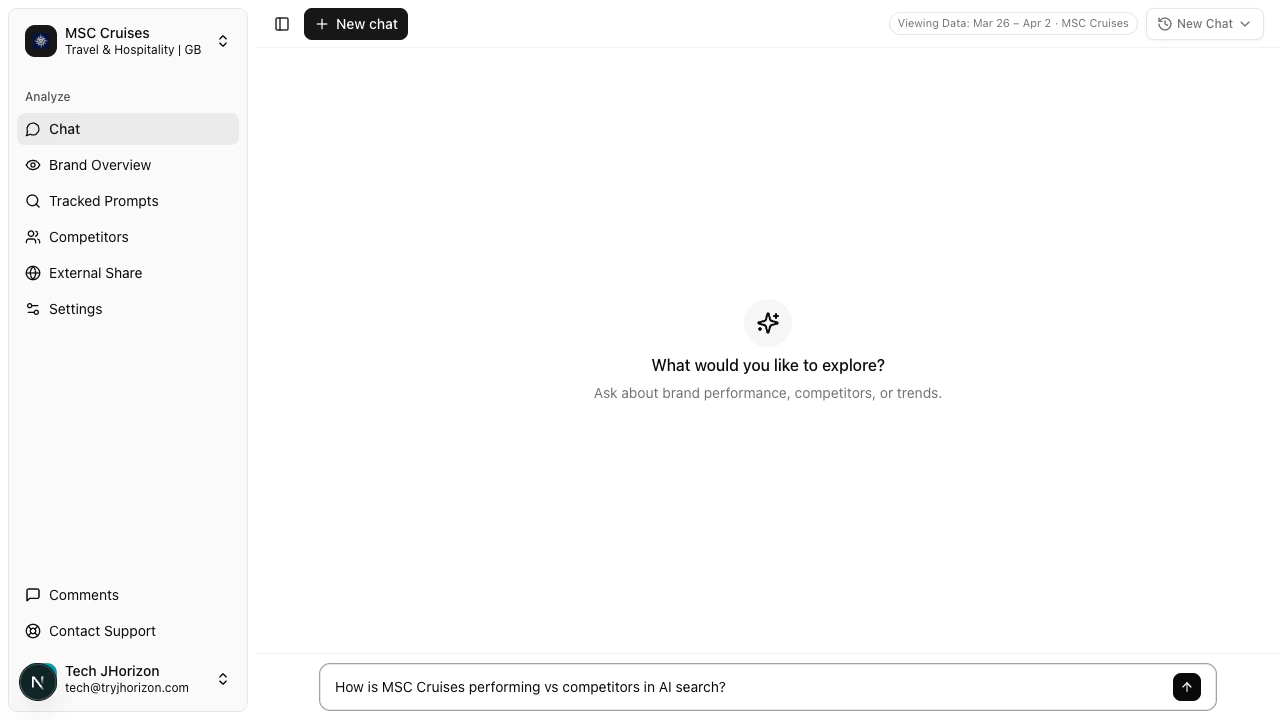 Here are a few example questions to get started:
**Visibility and rankings:**
* "How does our visibility score compare to last week?"
* "Which AI platforms mention us most?"
* "What is our brand ranking on Gemini?"
**Competitive analysis:**
* "What is our citation rate on ChatGPT compared to competitors?"
* "How does our sentiment compare to \[competitor name]?"
* "Which competitor has the highest market share on Perplexity?"
**Citations and content:**
* "What are our top citation sources?"
* "Which domains negatively cite our brand?"
* "Show me citations from the last analysis run."
**Trends and changes:**
* "Show me our sentiment trend over the last month."
* "Has our visibility score improved this week?"
* "Which prompts saw the biggest ranking change?"
Be specific in your questions. Instead of "How are we doing?", ask "What is our citation rate on ChatGPT compared to competitors?" Specific questions return more actionable insights.
## Data range
The chat draws from your organization's completed analysis runs. A data range indicator (e.g., "Viewing Data: Mar 26 - Apr 2") appears in the chat interface, showing which analysis period is covered. All responses reflect data within this range.
The AI cannot access data outside the displayed range. If you need insights from an earlier period, adjust the analysis week using the dashboard filters and return to chat.
## Chat history
Here are a few example questions to get started:
**Visibility and rankings:**
* "How does our visibility score compare to last week?"
* "Which AI platforms mention us most?"
* "What is our brand ranking on Gemini?"
**Competitive analysis:**
* "What is our citation rate on ChatGPT compared to competitors?"
* "How does our sentiment compare to \[competitor name]?"
* "Which competitor has the highest market share on Perplexity?"
**Citations and content:**
* "What are our top citation sources?"
* "Which domains negatively cite our brand?"
* "Show me citations from the last analysis run."
**Trends and changes:**
* "Show me our sentiment trend over the last month."
* "Has our visibility score improved this week?"
* "Which prompts saw the biggest ranking change?"
Be specific in your questions. Instead of "How are we doing?", ask "What is our citation rate on ChatGPT compared to competitors?" Specific questions return more actionable insights.
## Data range
The chat draws from your organization's completed analysis runs. A data range indicator (e.g., "Viewing Data: Mar 26 - Apr 2") appears in the chat interface, showing which analysis period is covered. All responses reflect data within this range.
The AI cannot access data outside the displayed range. If you need insights from an earlier period, adjust the analysis week using the dashboard filters and return to chat.
## Chat history
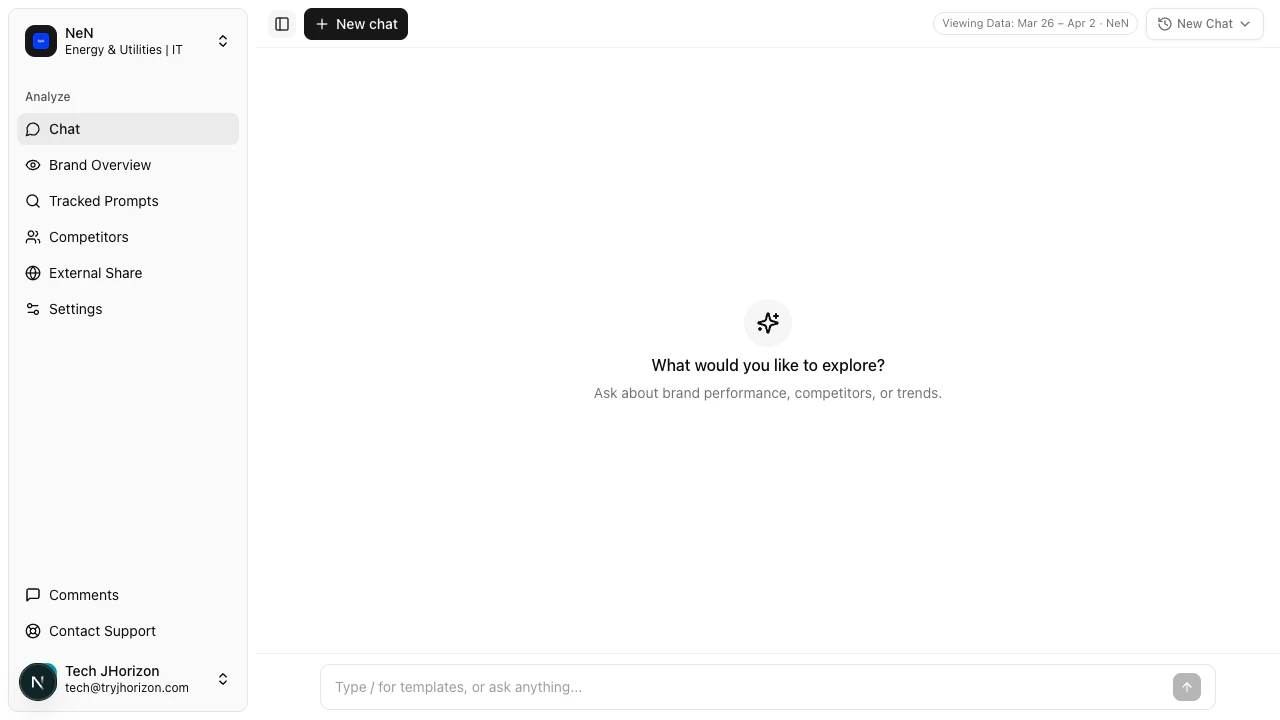 Click the sidebar toggle to open the conversation history panel. Previous conversations are listed with their first message as the title. Click any conversation to resume it with full context preserved.
Chat history is saved automatically and persists across sessions. You do not need to save conversations manually.
## Start a new conversation
Click the sidebar toggle to open the conversation history panel. Previous conversations are listed with their first message as the title. Click any conversation to resume it with full context preserved.
Chat history is saved automatically and persists across sessions. You do not need to save conversations manually.
## Start a new conversation
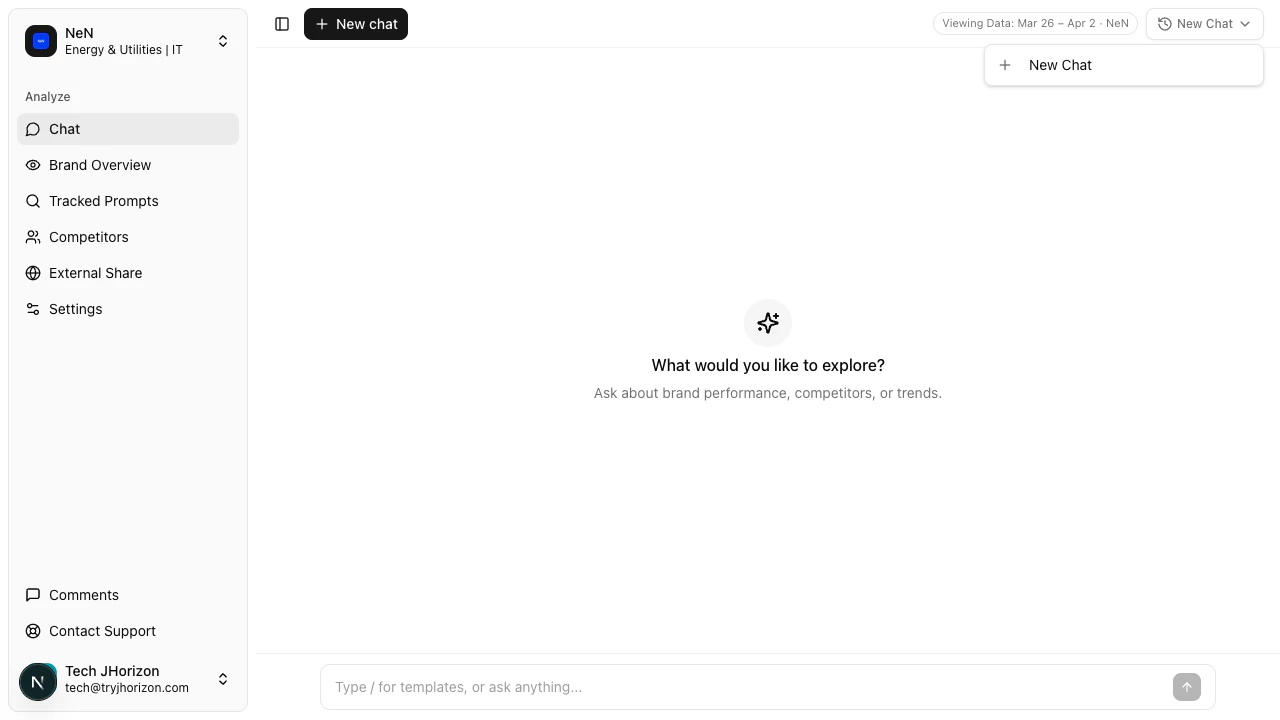 Click the **New Chat** dropdown to start a fresh conversation. This clears the current conversation context so prior questions do not influence new responses. Use this when switching topics or starting a different line of analysis.
## Switch organizations
Click the **New Chat** dropdown to start a fresh conversation. This clears the current conversation context so prior questions do not influence new responses. Use this when switching topics or starting a different line of analysis.
## Switch organizations
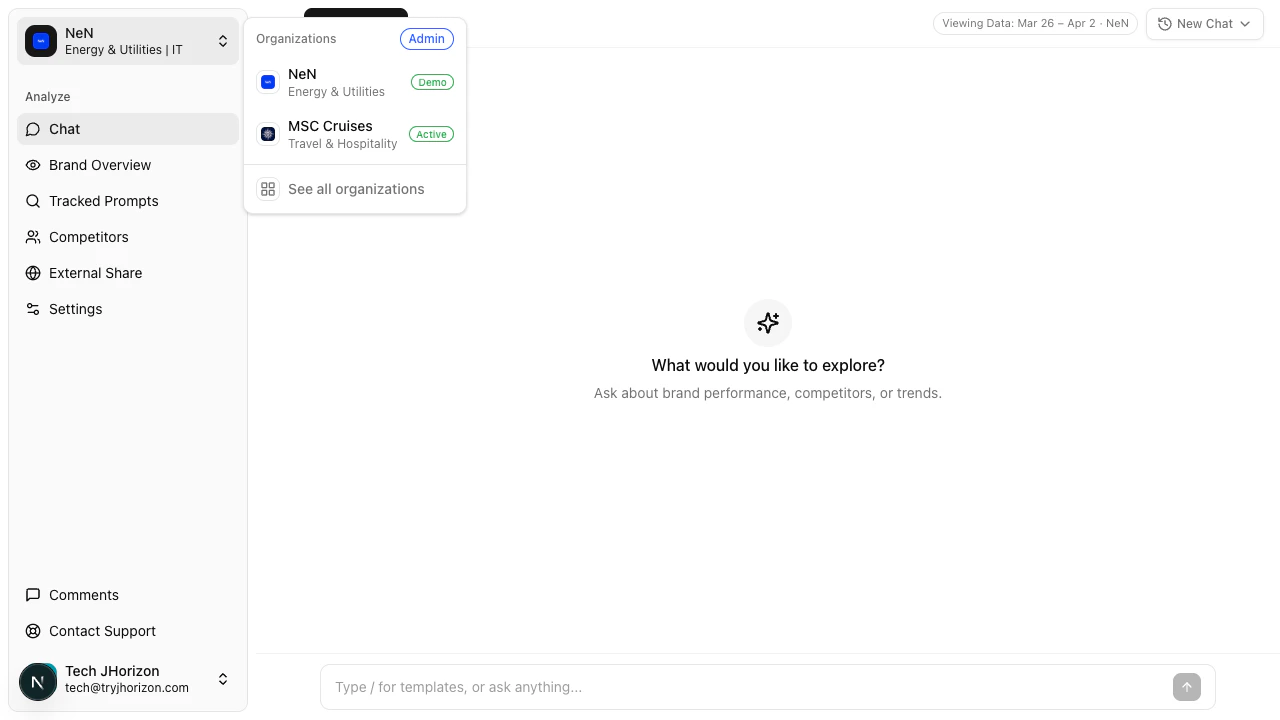 Use the organization switcher in the chat sidebar to move between organizations without leaving the chat interface. When you switch organizations, the chat context updates to reflect the selected organization's analysis data. Your conversation history for each organization is maintained separately.
## Conversation context
The AI assistant maintains context within a single conversation. Follow-up questions can reference previous answers — for example, ask "Break that down by platform" after a general visibility question.
Start a new conversation when you want to reset context entirely. Long conversations with many questions may produce less focused responses as context accumulates.
## What the AI chat can do
* Answer questions about your organization's visibility, citations, sentiment, and competitive data
* Compare metrics across time periods, platforms, and competitors
* Summarize trends and highlight changes
## What the AI chat cannot do
* Modify your data, settings, or tracked prompts
* Access data from organizations you are not currently viewing
* Provide real-time data — responses reflect the most recent completed analysis run
* Answer questions unrelated to your brand's AI visibility data
## Troubleshooting
Your organization may not have completed an analysis run yet. Check the dashboard at `/product/{orgId}/dashboard` to verify that analysis data exists. If the dashboard shows data but chat does not, try starting a new conversation.
Check the data range indicator to confirm you are viewing the correct analysis period. Rephrase your question to be more specific — broad questions may produce generalized answers. If the issue persists, compare the chat response with the corresponding dashboard tab to verify.
Complex questions that require cross-referencing multiple data sources take longer to process. Simplify your question or break it into smaller parts. If the chat consistently loads slowly, check your network connection.
## Related pages
* [Prompt templates](/ai-chat/prompt-templates) — use reusable templates in chat
* [Use cases](/getting-started/use-cases) — common workflows and scenarios
Use the organization switcher in the chat sidebar to move between organizations without leaving the chat interface. When you switch organizations, the chat context updates to reflect the selected organization's analysis data. Your conversation history for each organization is maintained separately.
## Conversation context
The AI assistant maintains context within a single conversation. Follow-up questions can reference previous answers — for example, ask "Break that down by platform" after a general visibility question.
Start a new conversation when you want to reset context entirely. Long conversations with many questions may produce less focused responses as context accumulates.
## What the AI chat can do
* Answer questions about your organization's visibility, citations, sentiment, and competitive data
* Compare metrics across time periods, platforms, and competitors
* Summarize trends and highlight changes
## What the AI chat cannot do
* Modify your data, settings, or tracked prompts
* Access data from organizations you are not currently viewing
* Provide real-time data — responses reflect the most recent completed analysis run
* Answer questions unrelated to your brand's AI visibility data
## Troubleshooting
Your organization may not have completed an analysis run yet. Check the dashboard at `/product/{orgId}/dashboard` to verify that analysis data exists. If the dashboard shows data but chat does not, try starting a new conversation.
Check the data range indicator to confirm you are viewing the correct analysis period. Rephrase your question to be more specific — broad questions may produce generalized answers. If the issue persists, compare the chat response with the corresponding dashboard tab to verify.
Complex questions that require cross-referencing multiple data sources take longer to process. Simplify your question or break it into smaller parts. If the chat consistently loads slowly, check your network connection.
## Related pages
* [Prompt templates](/ai-chat/prompt-templates) — use reusable templates in chat
* [Use cases](/getting-started/use-cases) — common workflows and scenarios